
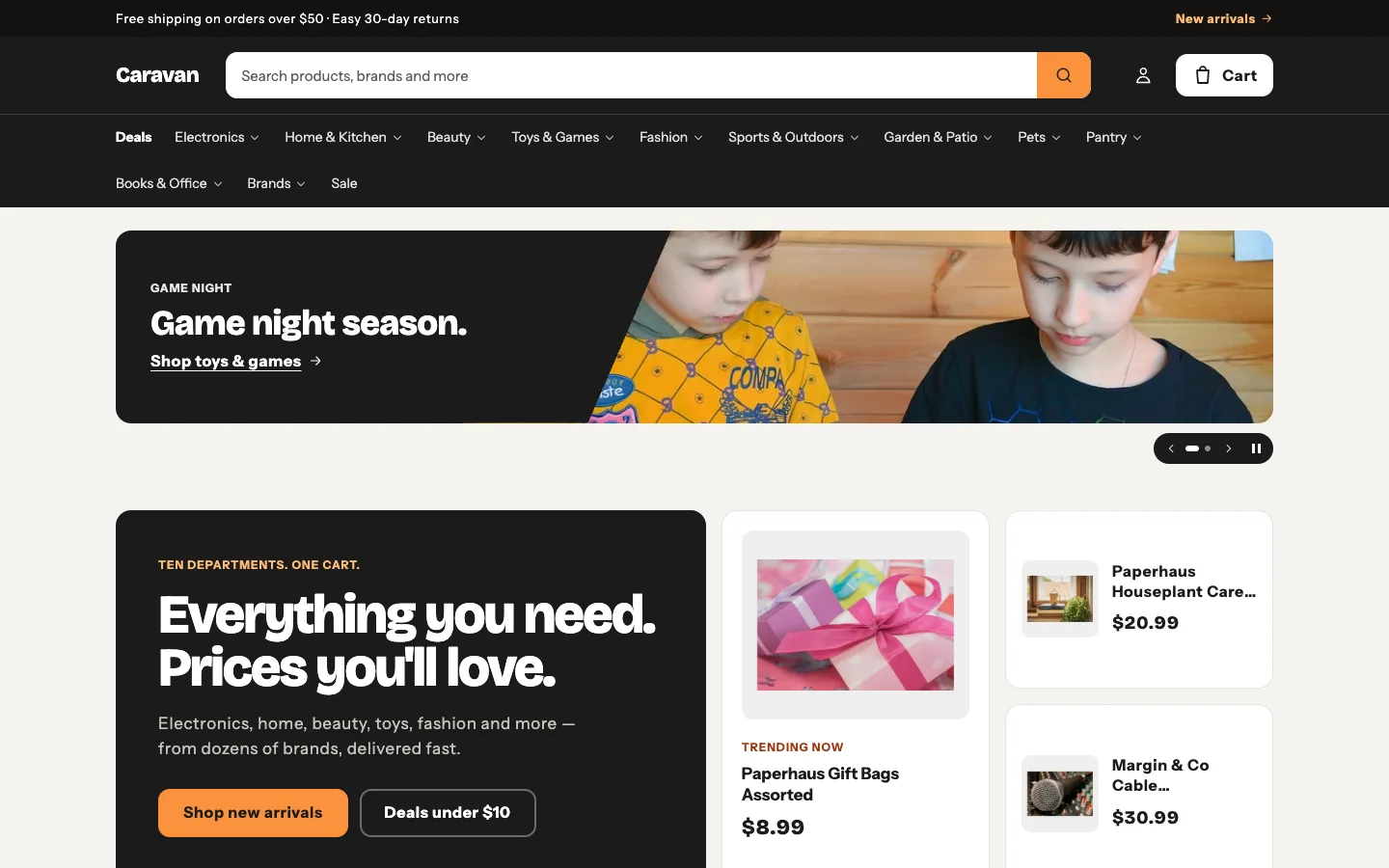
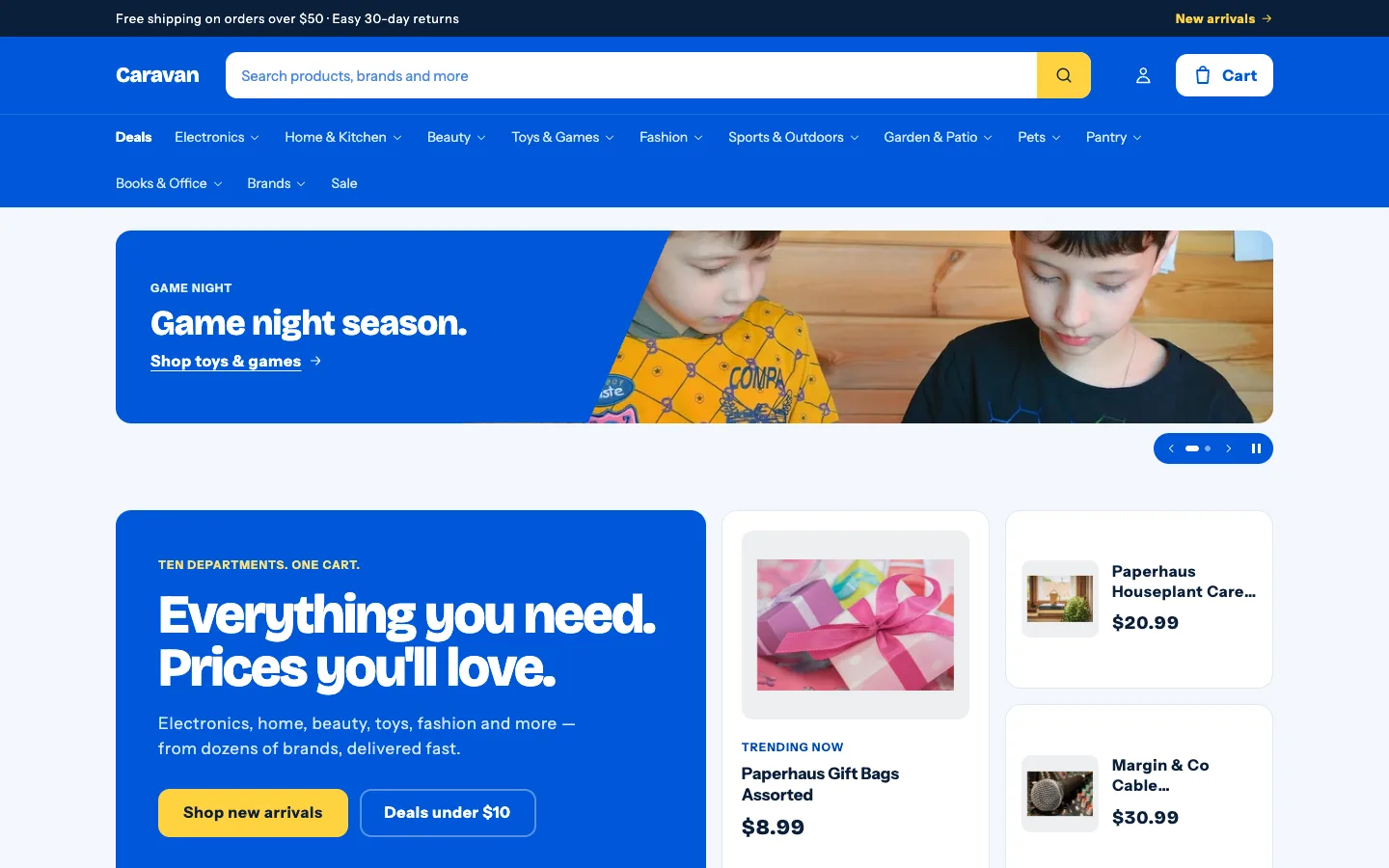
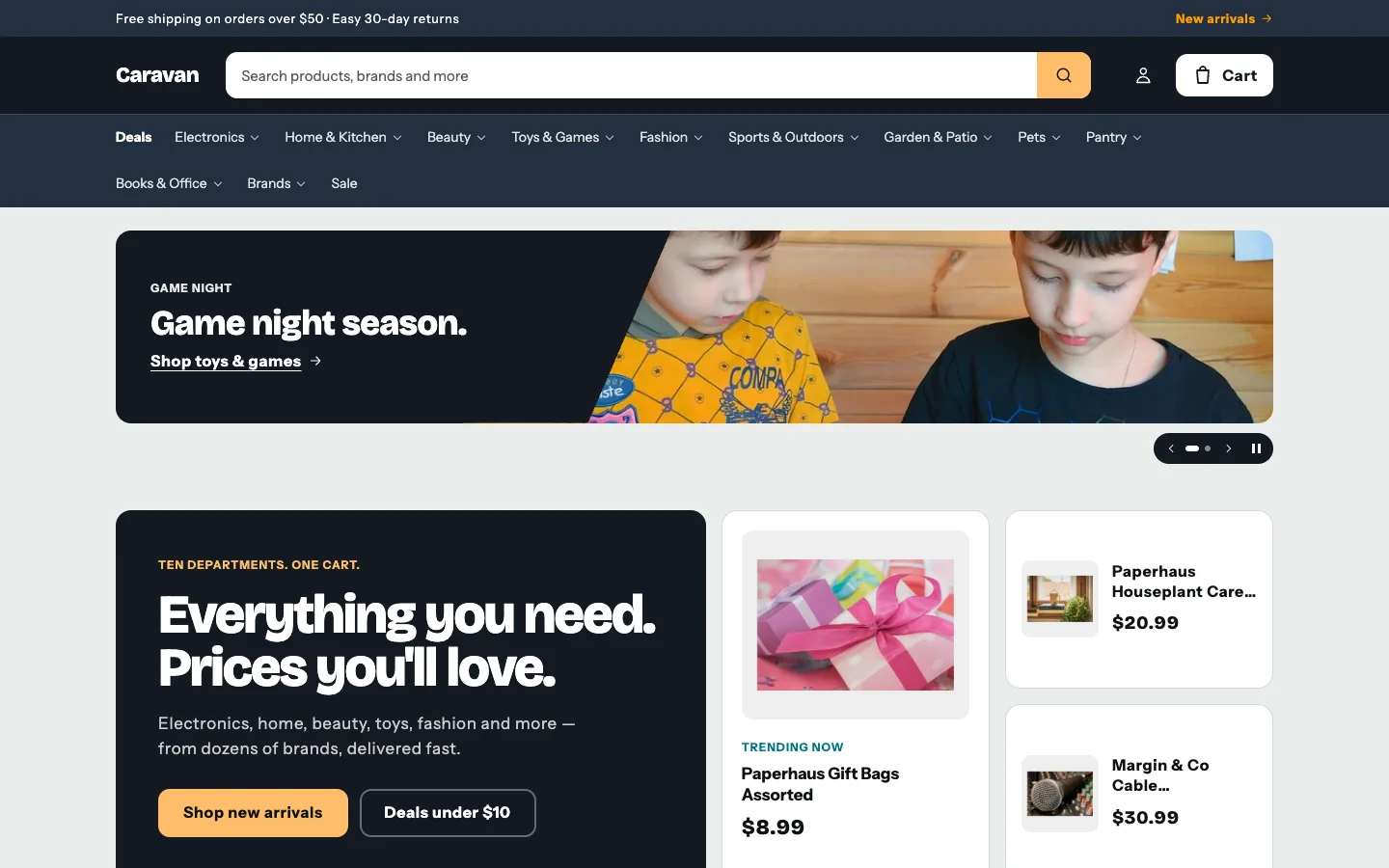
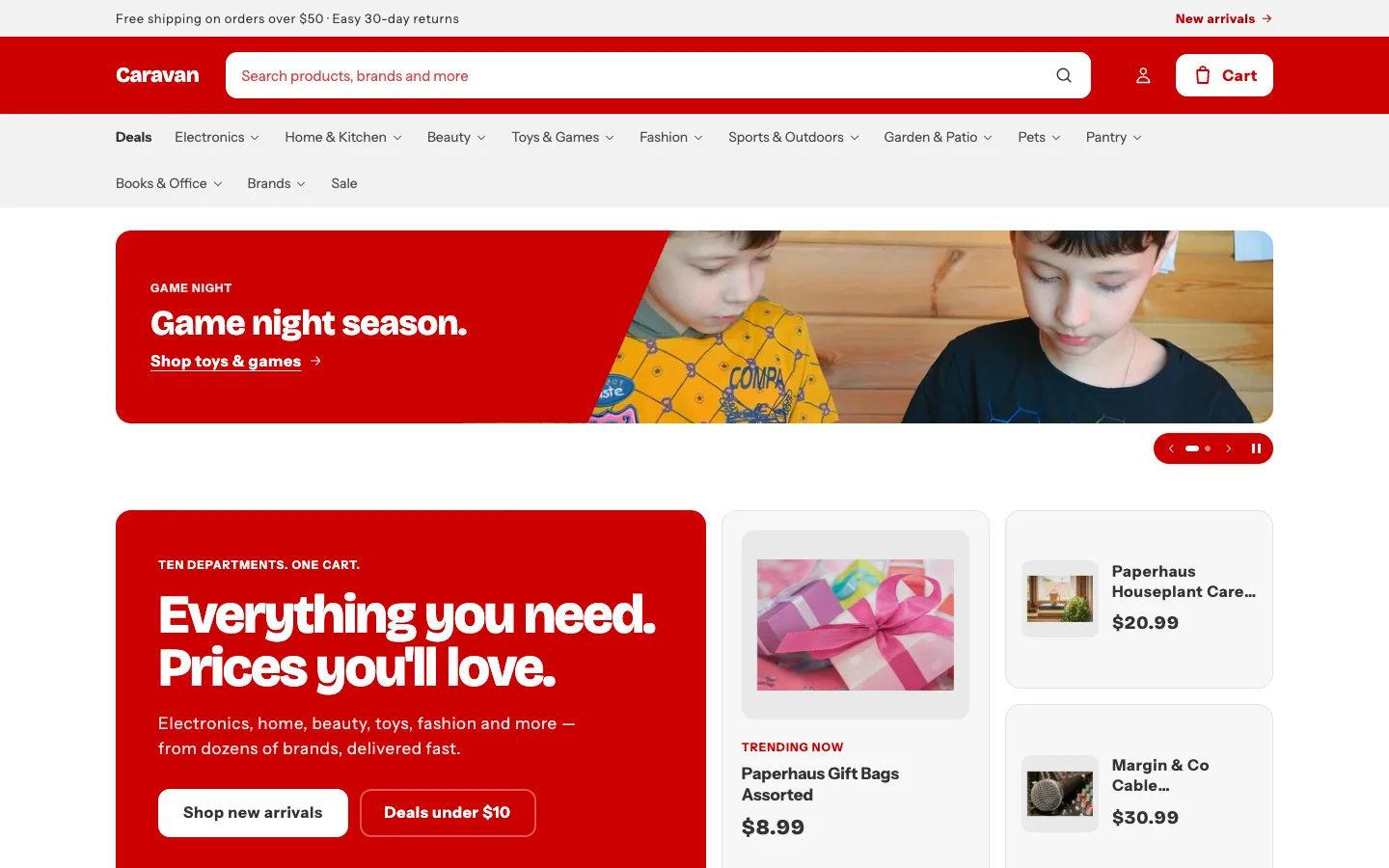
Beacon
$100one-time
For: Stores with a big catalog: many departments, brands and products.
- General stores
- Toys & games
- Beauty
- Electronics
- Home & garden
For stores with a bit of everything.
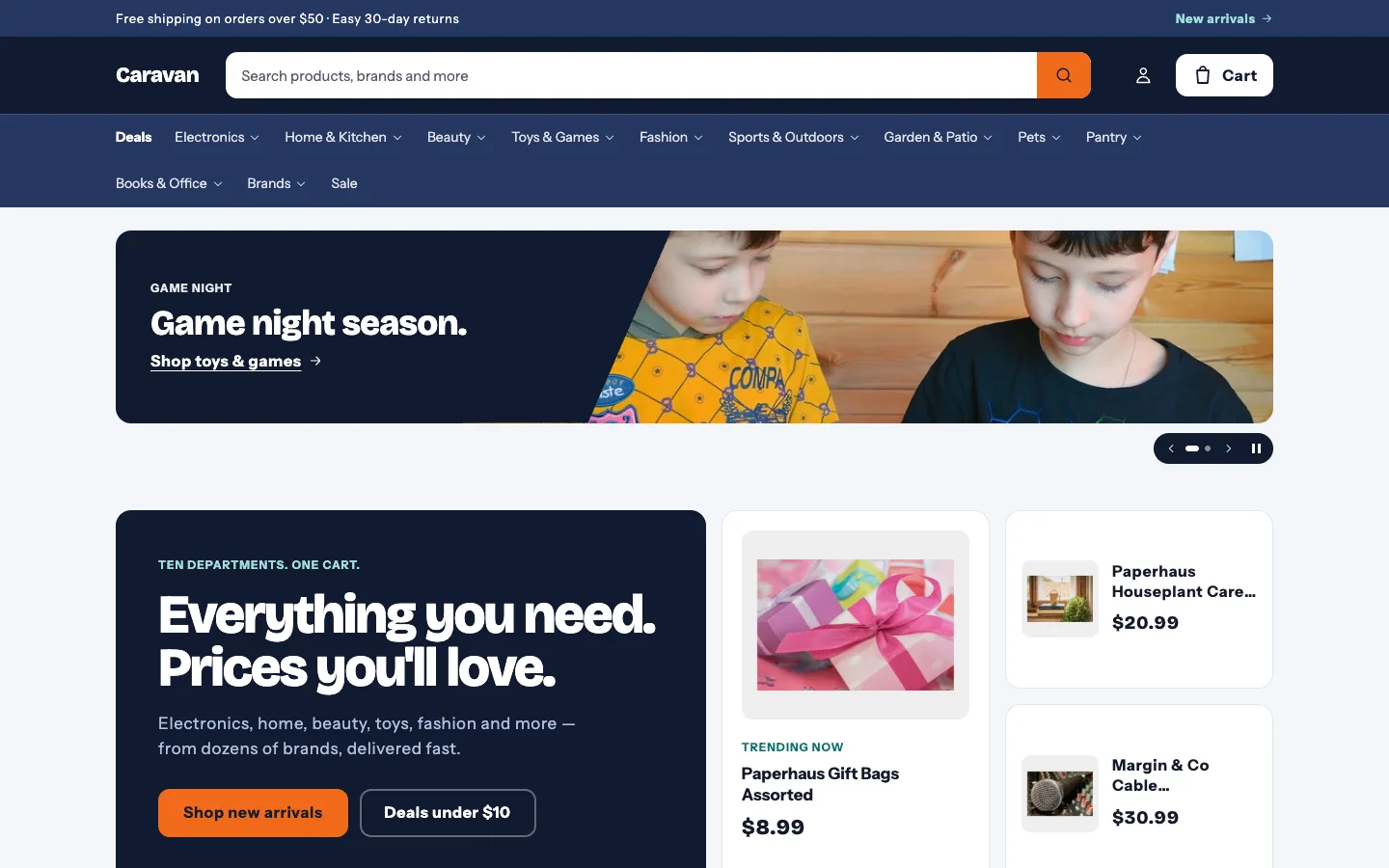
Built for shops with big, varied catalogs — thousands of products, hundreds of brands and prices that change fast. An always-open search, a mega menu that grows with your departments, and a slideshow that schedules itself keep shoppers moving.
Selling to trade buyers? Beacon for Wholesale
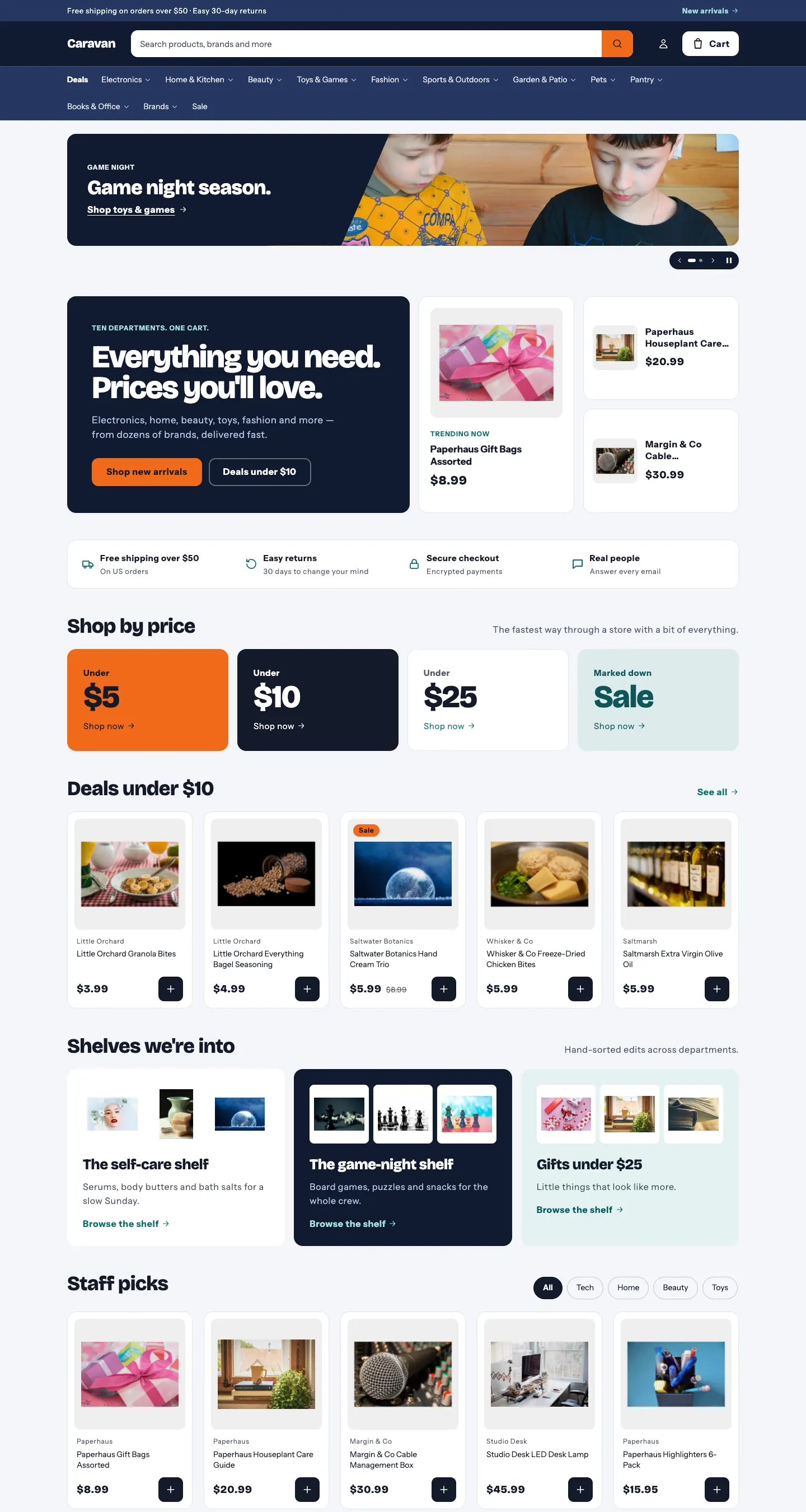
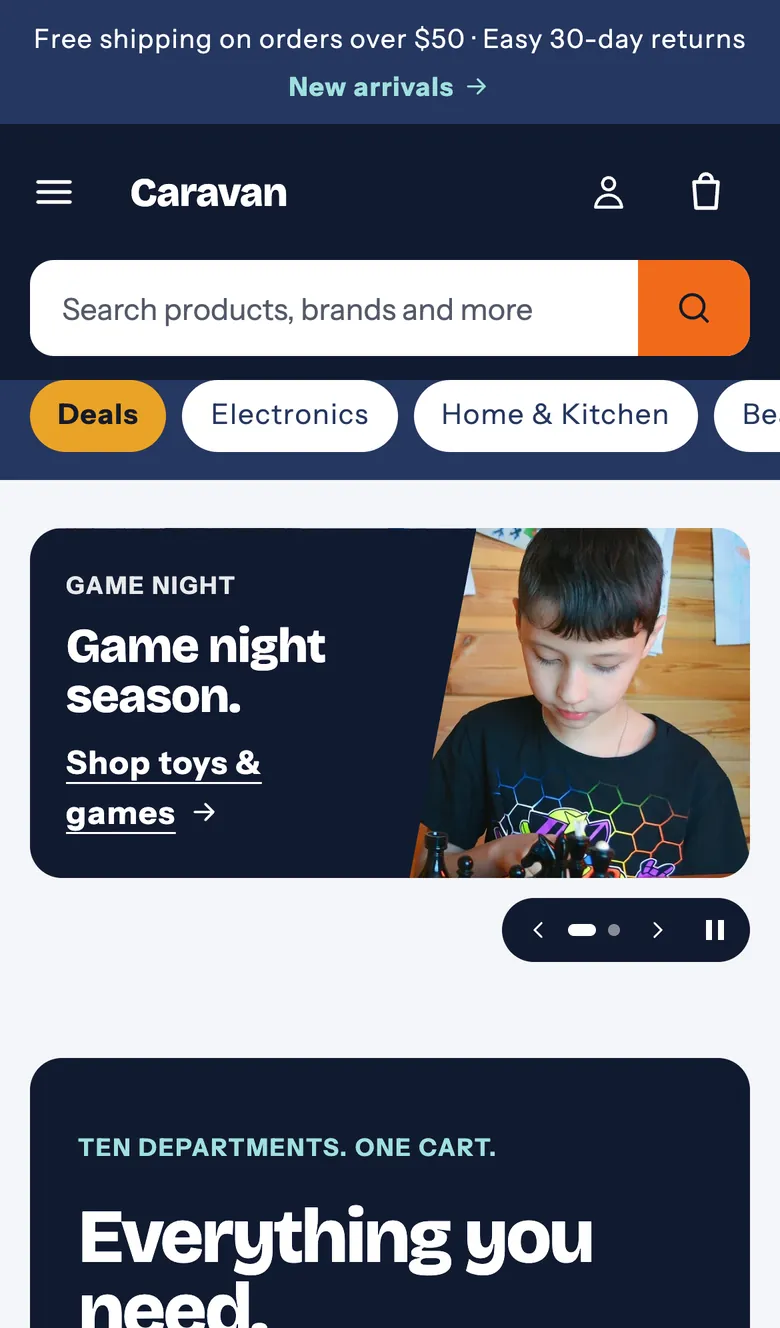
Comes in 5 color palettes
Beacon · default· compare →
Features
Built for stores with hundreds of products and brands. Here's a quick look — each feature has its own section below.
Slideshow
Beacon's slideshow is your marketing plan for the year. Make custom slides for every holiday, month, campaign or event, tell each one when to show, and it switches itself — this year and every year after.
Where: Home page → Slideshow → each slide's Show during and PriorityHow to set it up →
Free shipping, every day
Always on
New Year's Day
Dec 18 – Jan 1
Valentine's Day
Jan 31 – Feb 14
Easter
2 weeks before · moves every year
Summer sale campaign
Custom · Jul 1 – Jul 20
October
Month · all October
Halloween
Oct 17 – Oct 31
Black Friday
2 weeks before · moves every year
Gift guide launch
Custom · Dec 1 – Dec 24
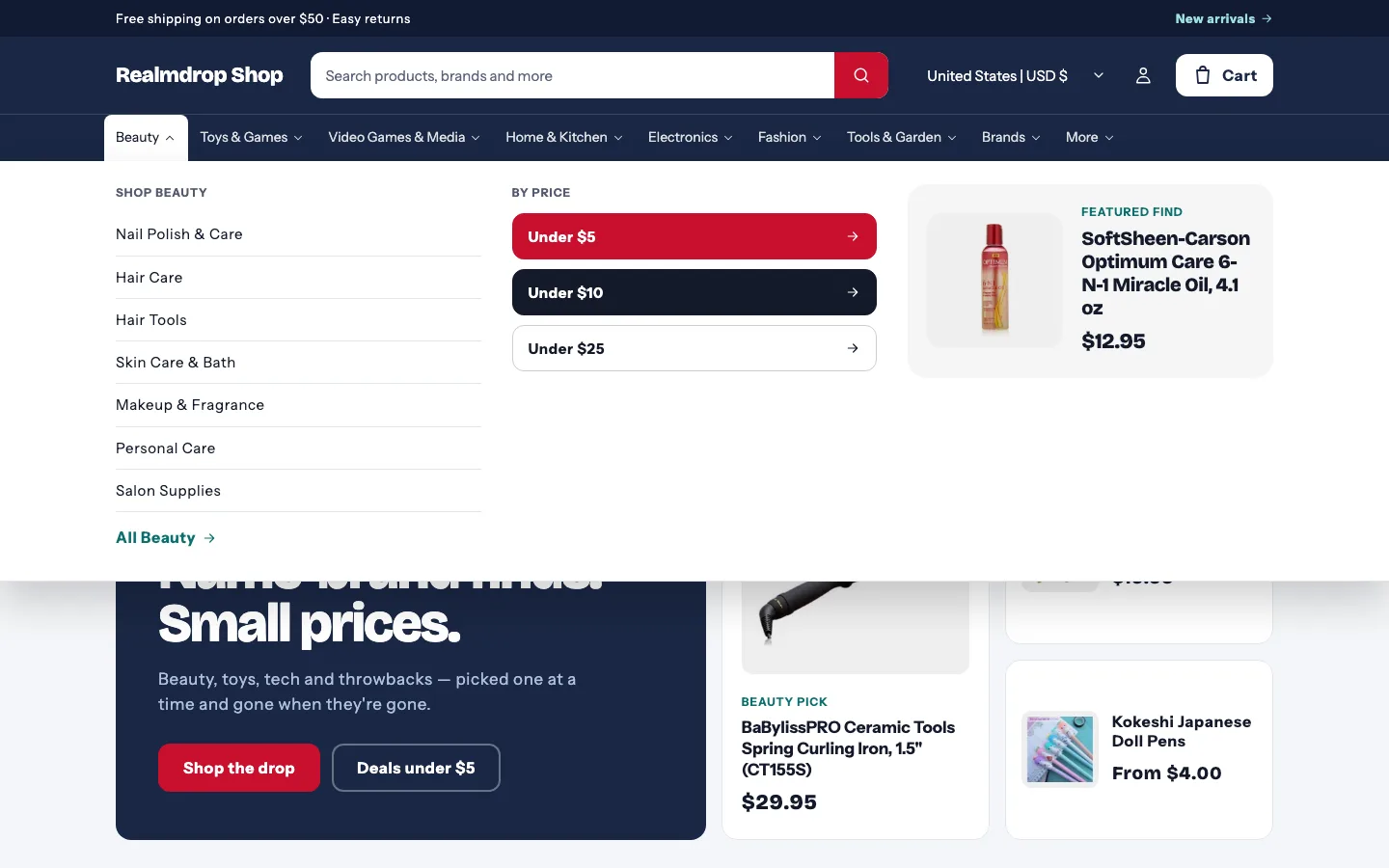
Mega menu
Built for stores with lots of departments. Your main menu becomes a mega menu on computers and a tidy list on phones — no matter how long it gets.
Where: Online Store → Navigation → Main menu, and the Header sectionHow to set it up →
Search
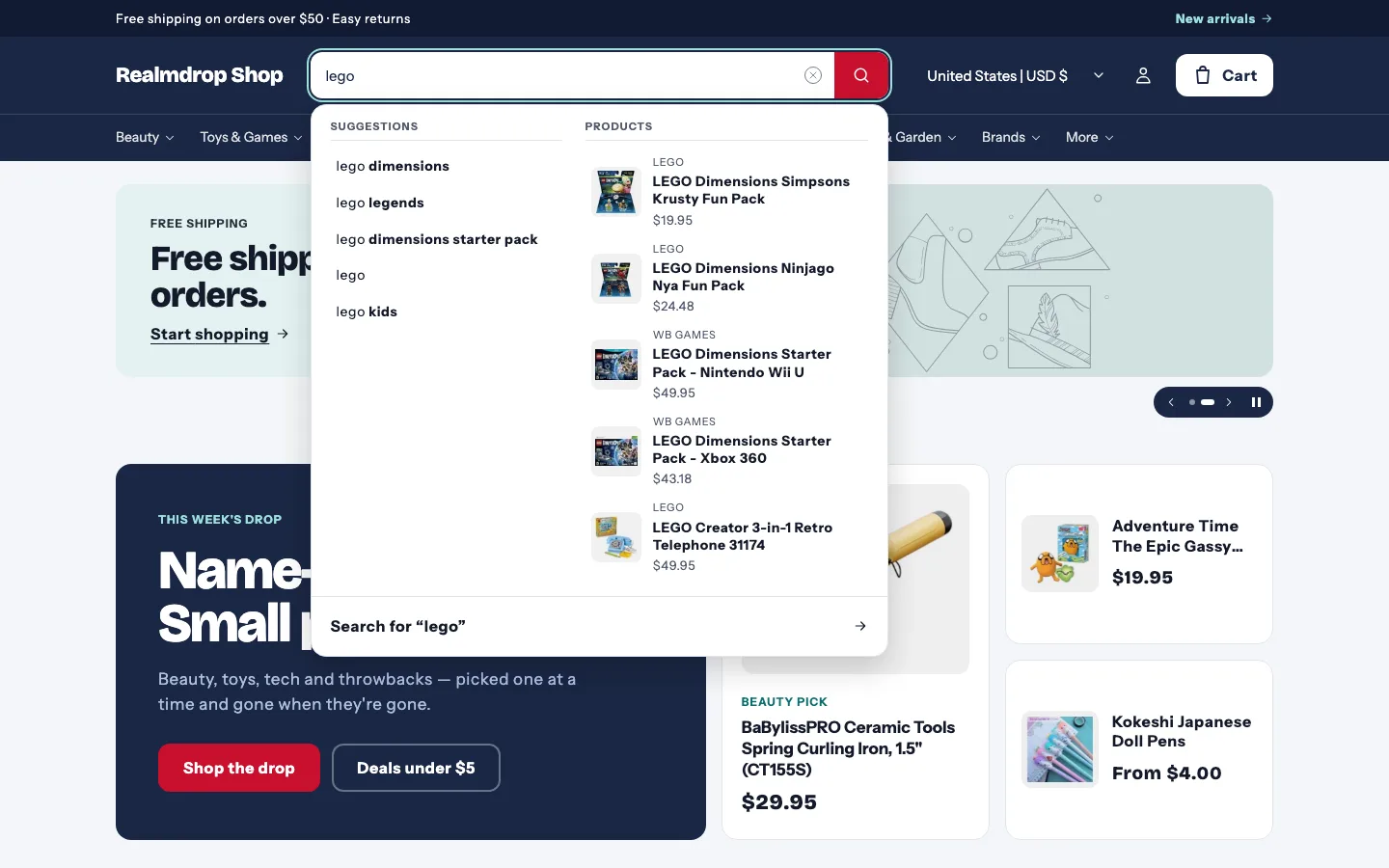
On a store with thousands of products, search is how people shop. Beacon keeps a full search bar in the header — never hidden behind an icon.
Where: Header → Popular searchesHow to set it up →
Collections
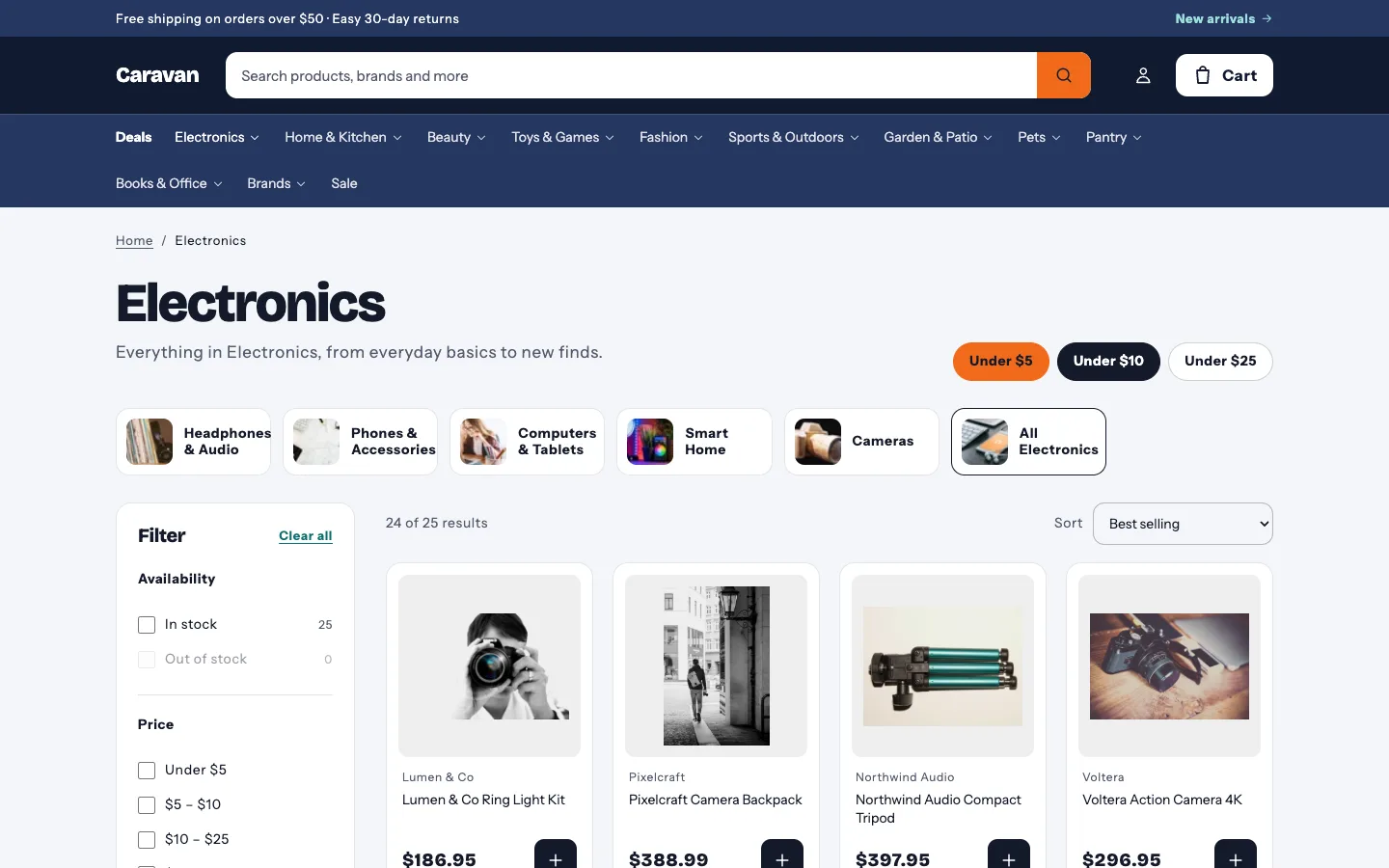
Collections built for browsing big ranges: a filter sidebar, sub-category links from your menu, and price shortcuts for shoppers who start with a budget.
Where: Collection page → Price stepsHow to set it up →
Brands
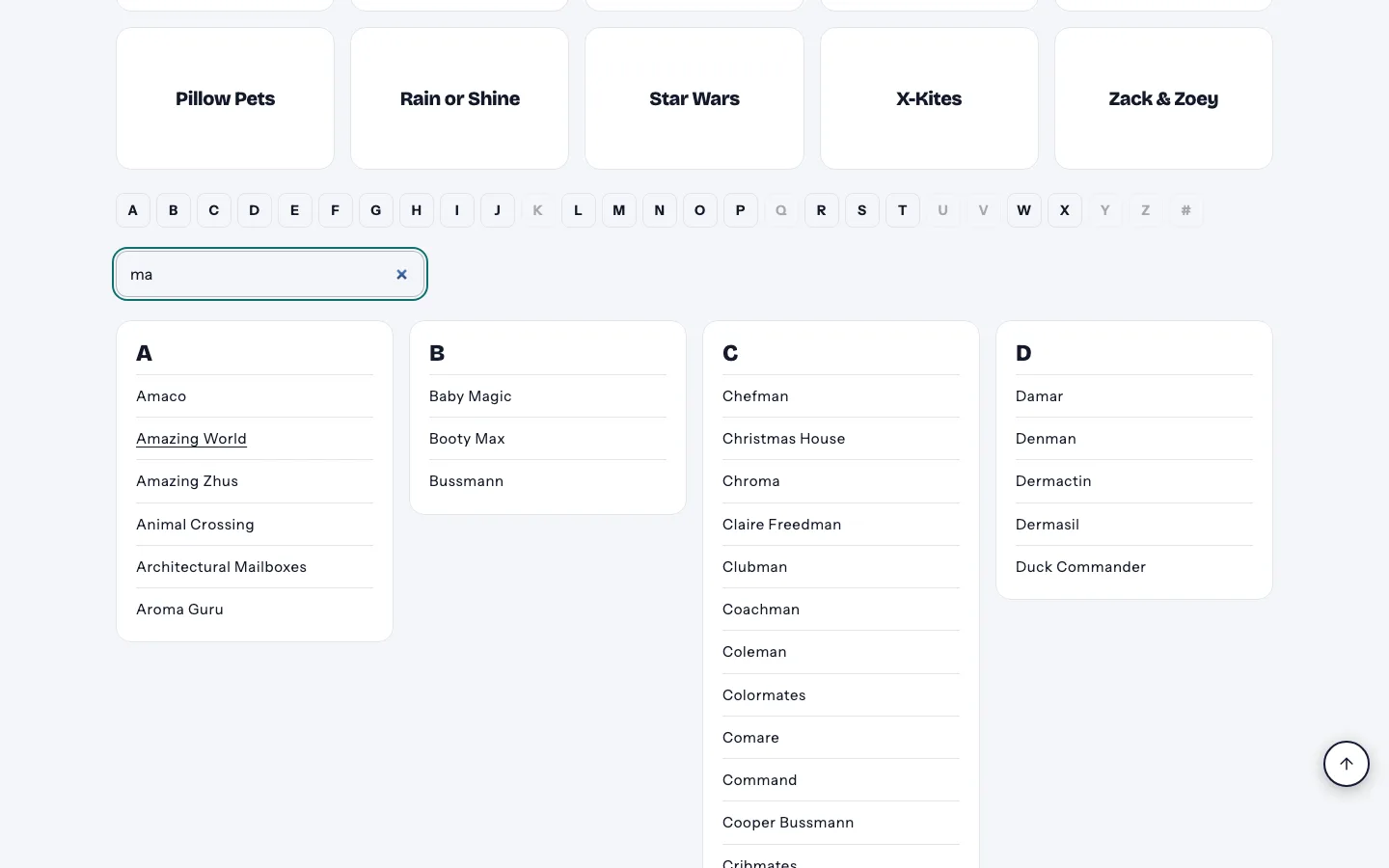
A Brands page that lists every name you carry. Shoppers type and the list filters instantly — no Enter key, no page reload.
Where: Online Store → Pages → Brands, with the brands templateHow to set it up →
Cart
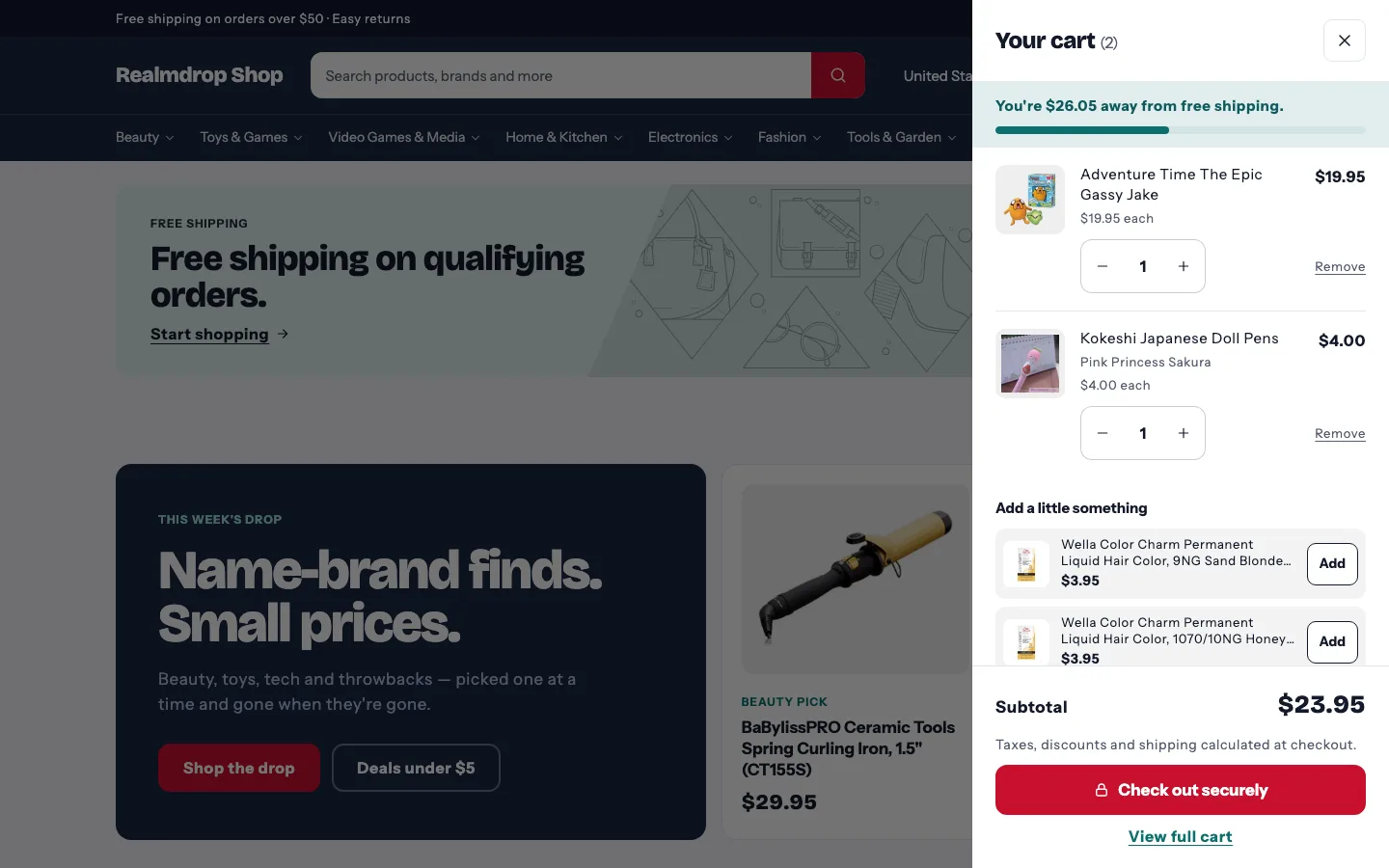
Shoppers see how close they are to free shipping, and small add-ons to get there are one tap away.
Where: Theme settings → CartHow to set it up →
Back to top
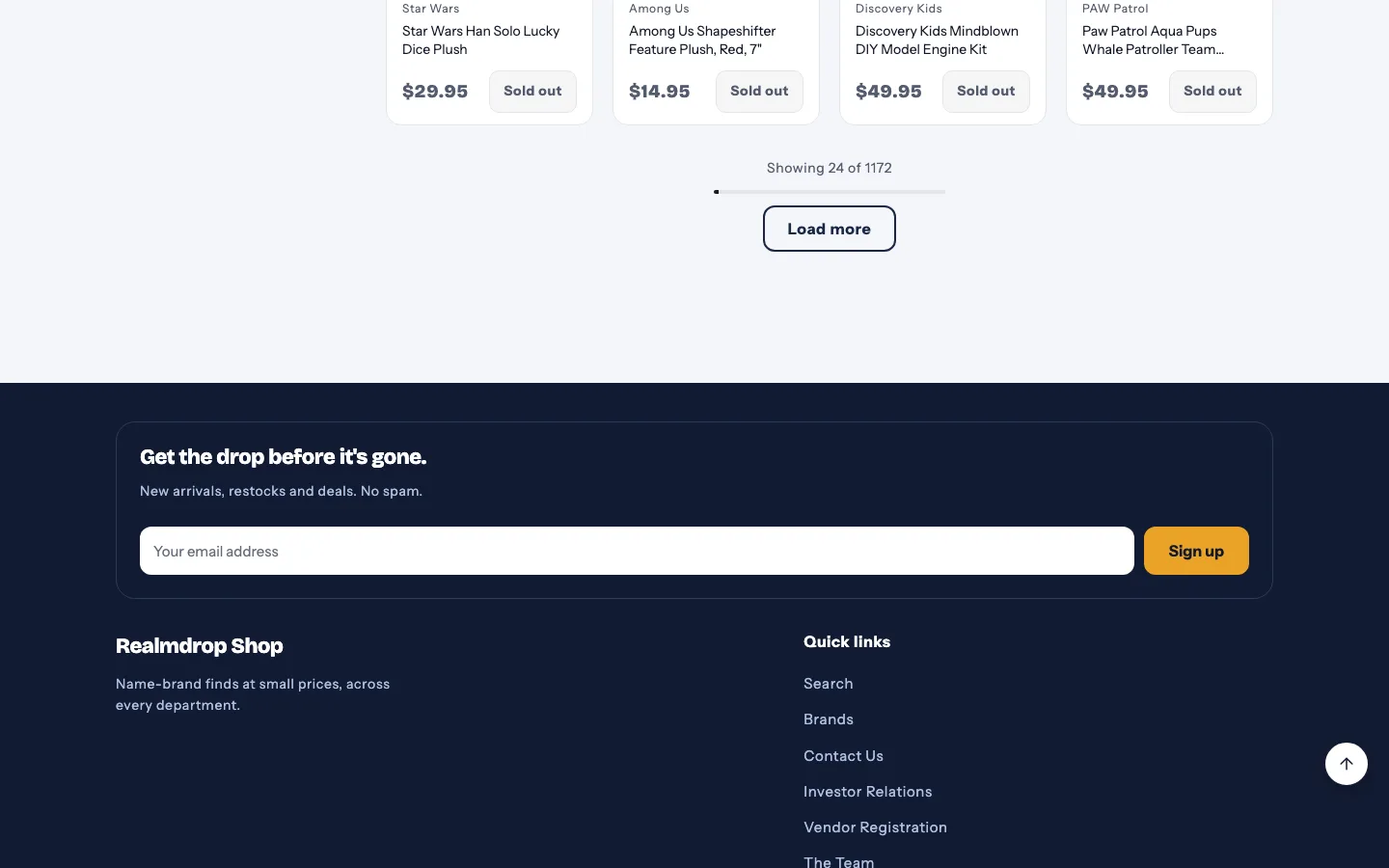
Big catalogs mean long pages. A back-to-top button appears once shoppers scroll down, so they never have to swipe all the way back up.
Where: Theme settings → Interactions → Back to top button
Color palettes
Pick a palette and the whole store recolors. Palettes change colors only — your fonts, corner shapes and content stay as you set them.
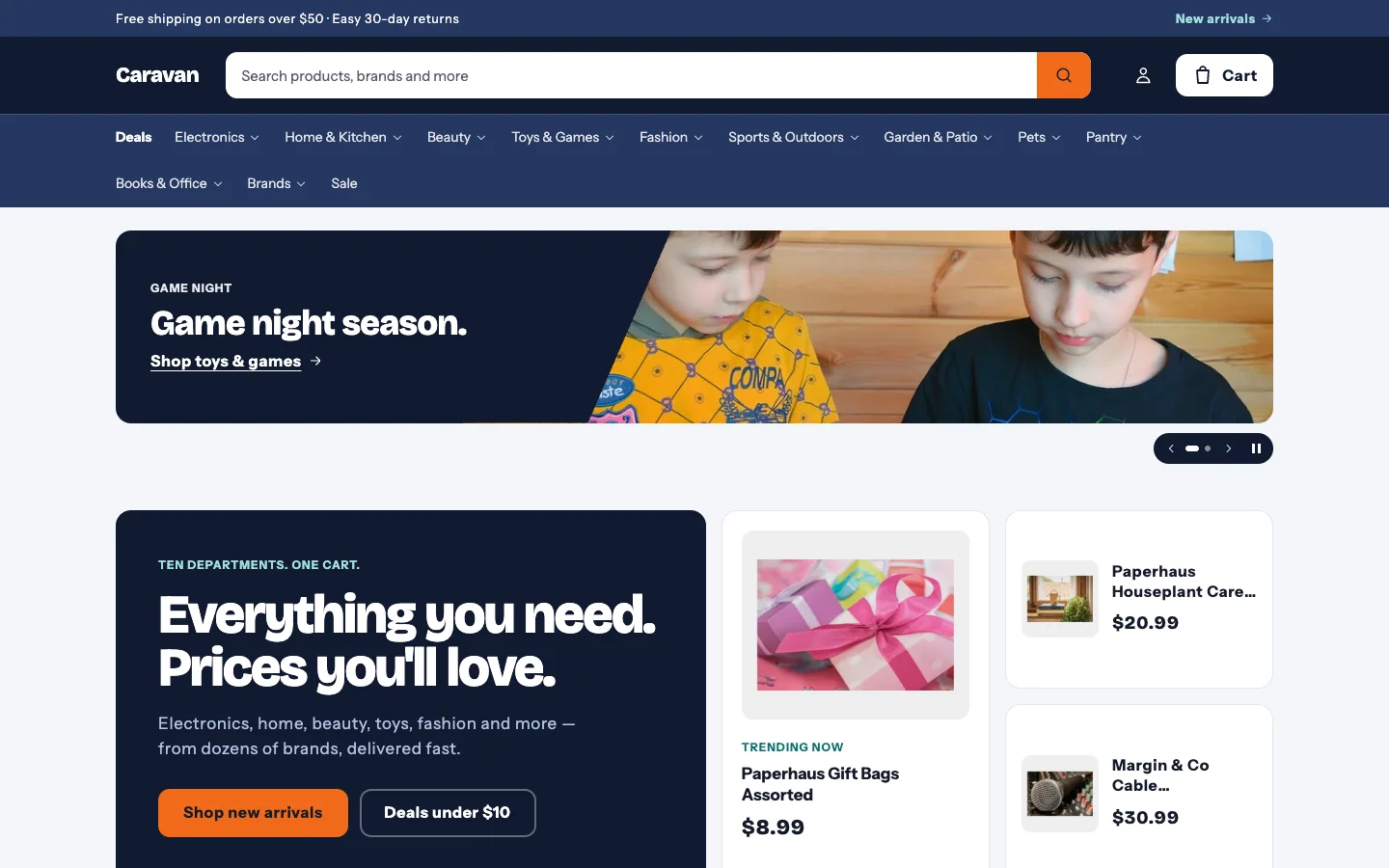
Beacon
Deep navy header over a lighter navy menu bar, bright orange buttons. Uses your color schemes, so it's fully editable.
Every palette passes WCAG AA contrast out of the box.
Merchant guides
Checklists you can work through, one at a time. For every setting, see the documentation.
Everything to check before you publish Beacon.
Two editions
Beacon and Beacon Wholesale are sold separately, each with its own license.
Read the full Beacon license.
$100one-time
For: Stores with a big catalog: many departments, brands and products.
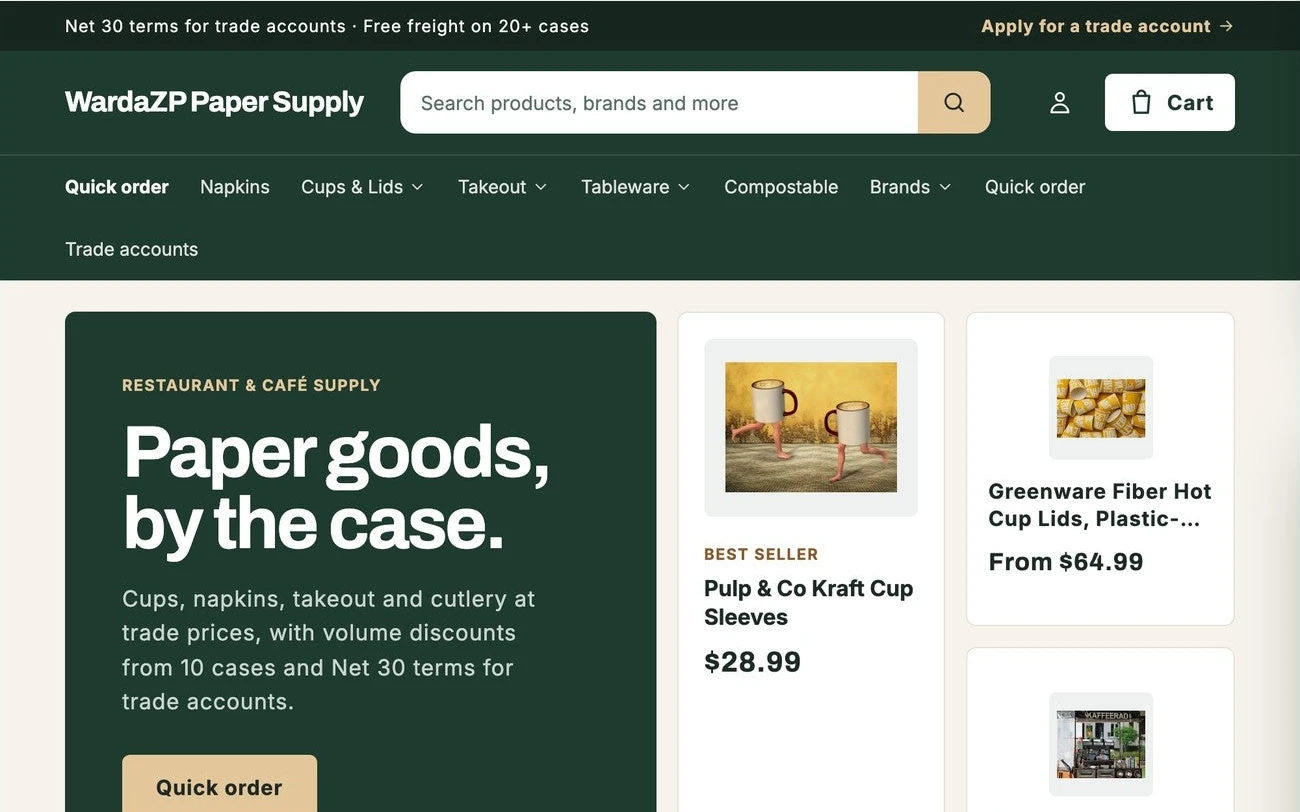
$130one-time
For: Wholesalers and trade suppliers: reordering by the case, trade accounts, B2B pricing.
Colors and fonts, header and mega menu, the slideshow, filters, product pages, cart and more, with the exact setting names.
Read the docs SupportSend us your question and we'll reply within 2 business days, from the people who built Beacon.
Get helpBeacon 1.2.1